
Customer support
Help with your subscription, setup and playback
Whether you are choosing a plan, installing a player app or trying to fix buffering, our team helps by WhatsApp and phone. Start with the quick checks below or message us straight away.
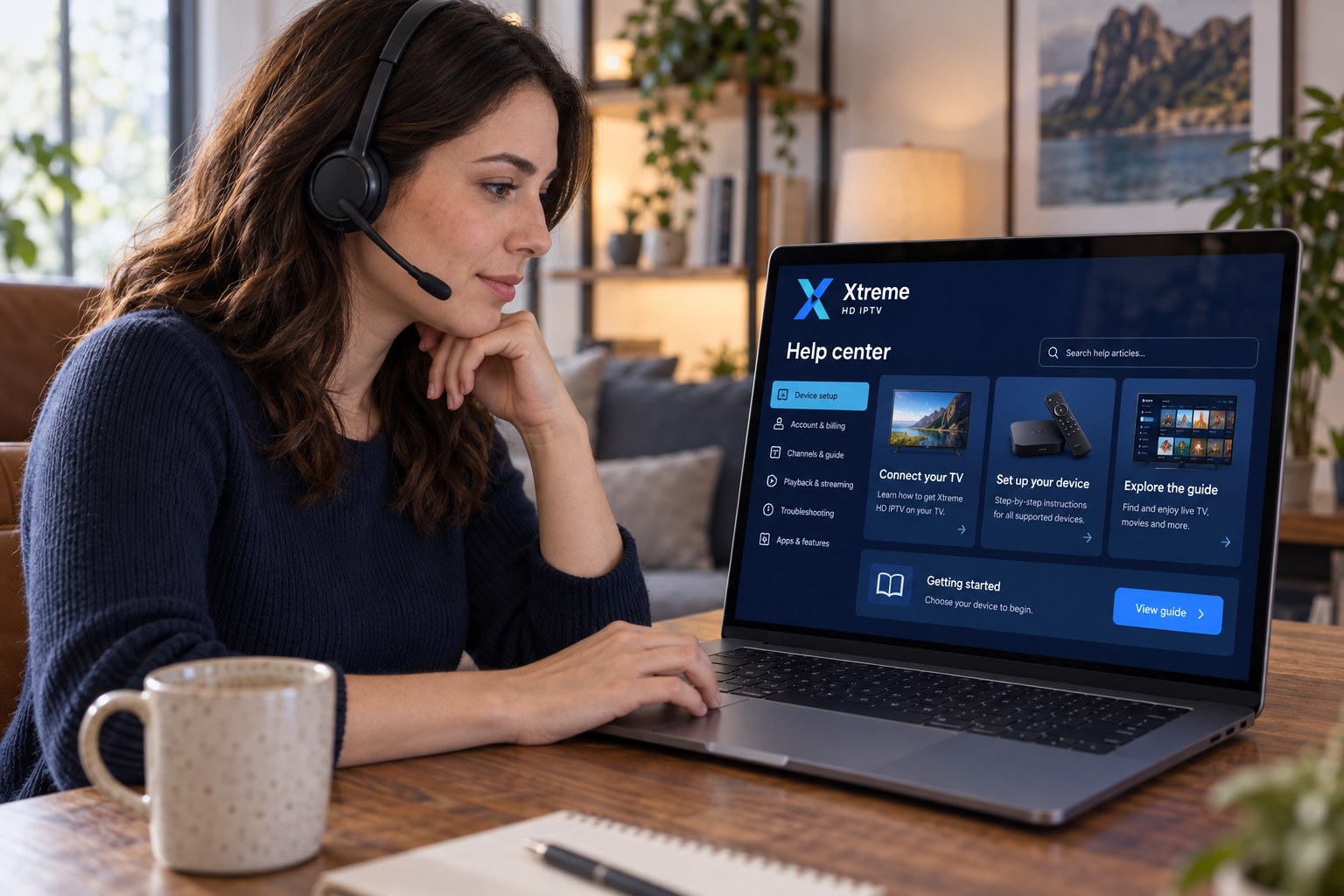
What we can help with
Choosing a subscription
Not sure which length to pick or whether your device is suitable? Ask before you buy.
Device setup
Help installing a player app and entering your details on Fire TV, Smart TV, Android, Apple or computer.
Account & activation
Questions about your setup details, renewal dates or switching to another device.
Troubleshooting
Buffering, sign-in errors or missing categories: tell us what you see and we will work through it with you.
Payment questions
Confirm accepted payment methods, receipts and how renewals are handled.
Renewals
Message us before your period ends and we confirm the next plan and price. Your sign-in details normally stay the same.
Quick checks before you message
These solve the most common problems in a couple of minutes.
- Restart the player app and the deviceClose the app fully, then power the device off and on.
- Restart your routerUnplug it for thirty seconds. Wait for all lights to settle before trying again.
- Try a different channel or categoryIf only one stream is affected, the problem is that stream, not your setup; let us know which one.
- Check your sign-in detailsCompare each character with the details we sent, including capital letters and the full server address.
- Update the player appOpen your app store and install any pending update for the player.
What to include in your message
- Your device (for example “Fire TV Stick 4K” or “Samsung TV from 2022”)
- The player app you are using
- What you expected and what happened instead, with the time it occurred
- A photo of the screen if there is an error message
Questions & answers
Frequently asked questions
How will I receive my setup instructions?
After your order is confirmed, our team sends your sign-in details and device instructions through the same channel you used to contact us, usually WhatsApp. Keep them safe; you will need them if you reinstall the app or add another device.
How do I contact customer support?
Message us on WhatsApp or call +44 7868 240819. Both options are available from the Contact page and the floating WhatsApp button on every page.
How do I renew my subscription?
Contact us before your current period ends, tell us which plan you want next, and we will confirm the price and renewal. Your existing sign-in details normally continue to work after renewal, so there is nothing to reinstall.
What should I do if my stream buffers?
First, restart the player app and your router. Move closer to the router or switch to a wired connection if you can, close other apps or downloads using bandwidth, and try a lower quality stream if the player offers one. If buffering continues, contact us with your device type and the time it happened so we can investigate.