
1 Month
$12.99 USD
billed once for one month
- Access for the full subscription period
- Works with a compatible IPTV player app
- Written setup instructions for your device
- Help available by WhatsApp and phone
Opens WhatsApp with your selection
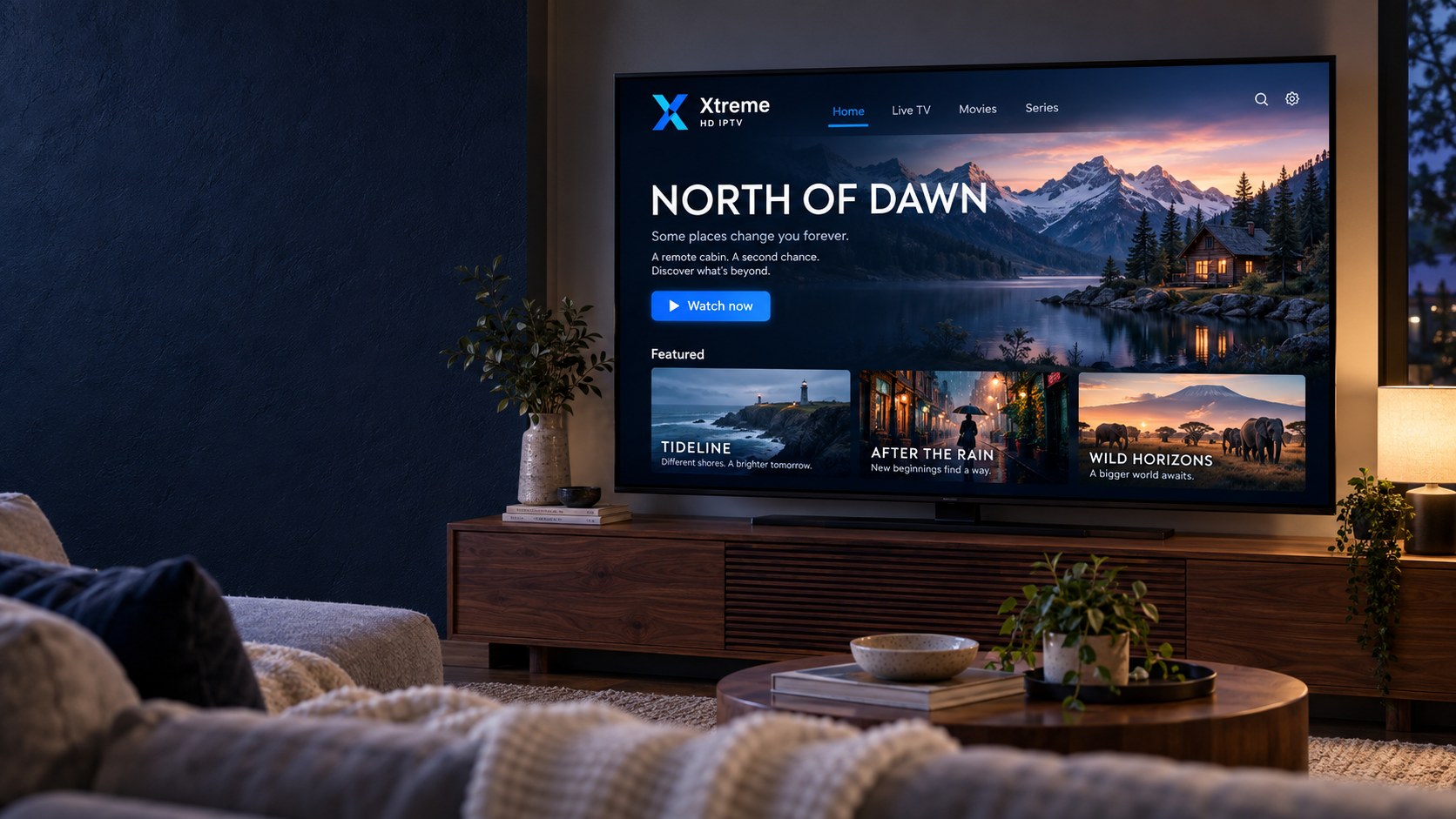
Internet television subscription
Discover flexible streaming subscriptions, explore compatible devices, and find the setup guidance you need for a straightforward viewing experience.
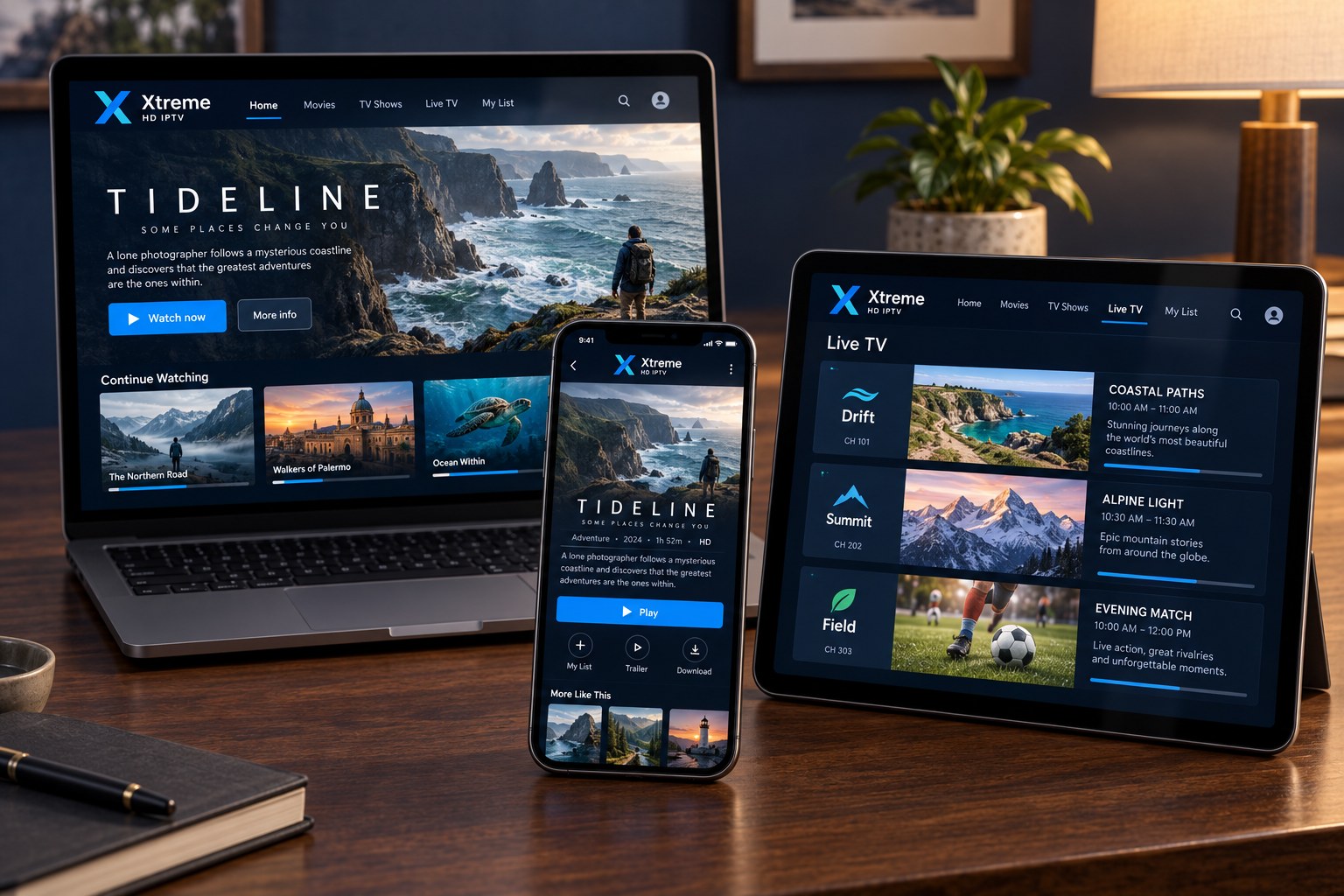
How it works
IPTV stands for Internet Protocol Television. Instead of a satellite dish or cable box, programming reaches you through the broadband connection you already have, using a player app on your television, streaming stick, phone, tablet or computer.
Subscription plans
Every plan includes the same access and the same setup guidance. Longer plans lower the cost per month.
$12.99 USD
billed once for one month
Opens WhatsApp with your selection
$29.99 USD
about $10.00 per month
Opens WhatsApp with your selection
$49.99 USD
about $8.33 per month
Opens WhatsApp with your selection
Lowest cost per month
$69.99 USD
about $5.83 per month
Opens WhatsApp with your selection
Prices are shown in USD and cover the full subscription period. Choosing a plan opens a WhatsApp chat with your selection pre-filled; our team confirms the price and payment options before anything is charged.
Why choose us
No exaggerated promises. Just the practical things that make a subscription easy to buy, set up and use.
Use a compatible player app on Fire TV, Smart TVs, Android TV, Apple TV, phones, tablets and computers. No proprietary hardware is required.
Every subscription comes with written instructions for your device. Our installation guides walk you through each step with plain language.
Pick a 1, 3, 6 or 12-month plan. Longer plans reduce the monthly cost, and renewing is as simple as sending a message.
Questions about plans, activation or playback go straight to our team by WhatsApp or phone. We reply as quickly as we can.
We explain what your connection and hardware need for HD and 4K playback, so you know what to expect before you subscribe.
Prices are shown in full before you enquire. Our policies explain how subscriptions, renewals and refund requests work.
Channels & entertainment
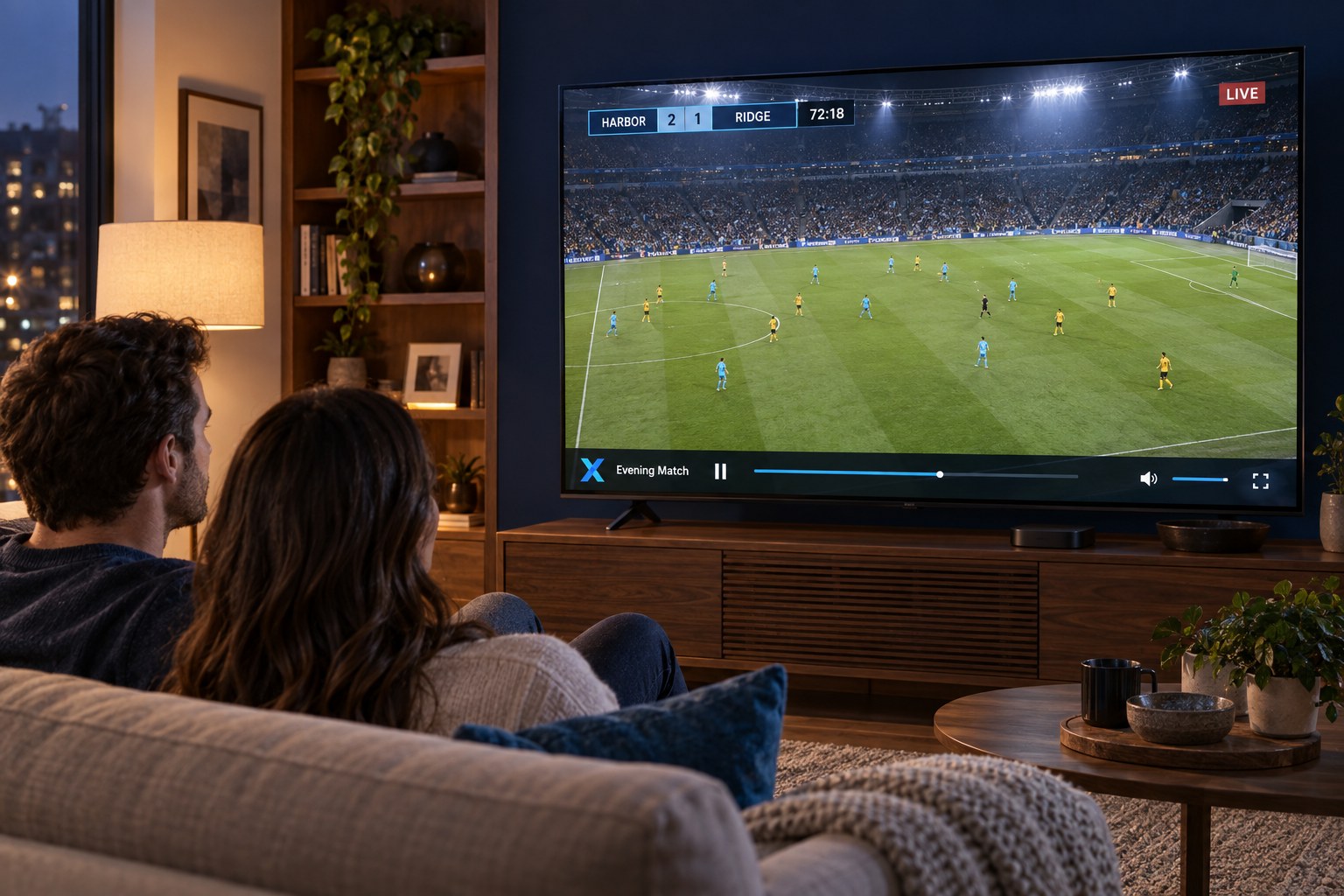
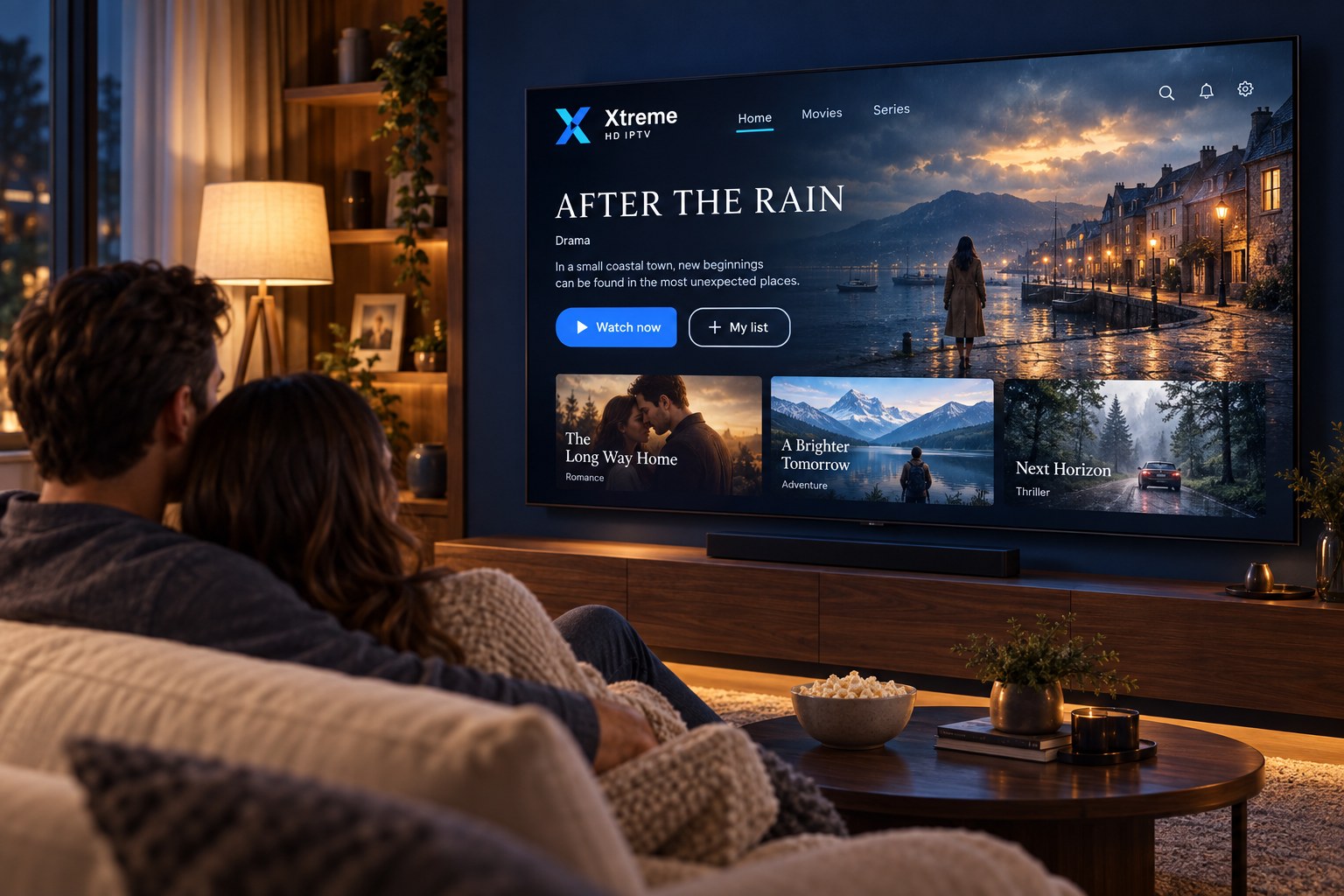
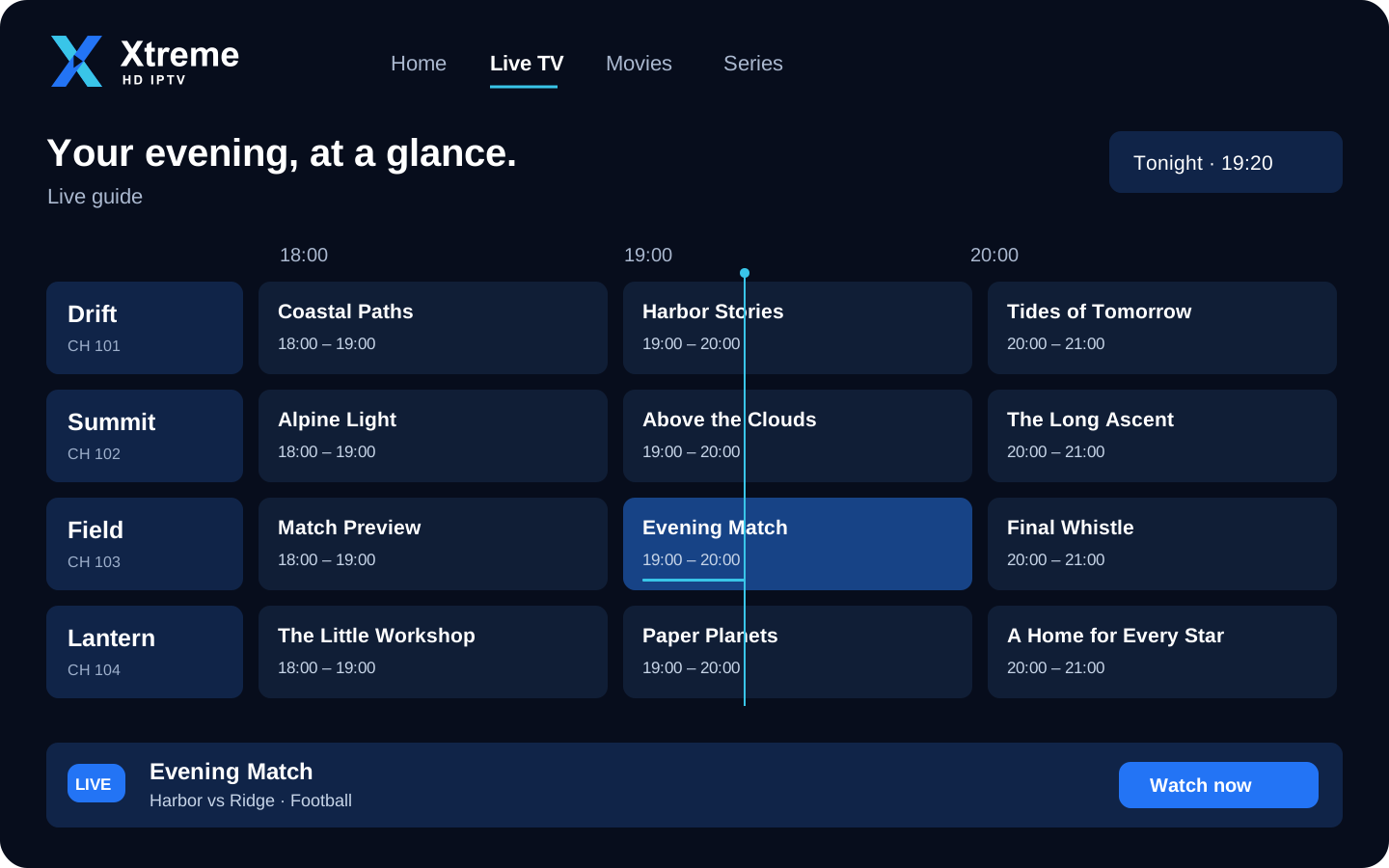
Programming is organised into categories in your player app. The exact line-up depends on your subscription; ask our team about what is included before you order.
Compatible devices
Each device family needs a compatible IPTV player app from its own app store. We do not require a proprietary app or box; pick a guide below for the exact steps.
Install a compatible IPTV player from the Amazon Appstore or by sideloading, then sign in with your subscription details.
Setup guideSamsung, LG and other smart TVs use an IPTV player app from the TV’s own app store. Availability varies by model and region.
Setup guideAndroid TV boxes, Google TV devices and Android-powered televisions install a player app from Google Play.
Setup guideApple TV (tvOS) uses an IPTV player from the App Store. Some players are free; others charge a small fee to the app developer.
Setup guideAny recent Android phone or tablet can run a player app from Google Play. Ideal for watching away from the main TV.
Installation stepsiPhone and iPad use an IPTV player from the App Store. Playback works over Wi-Fi or mobile data.
Installation stepsDesktop and laptop computers can use a desktop IPTV player or a media player that supports playlists.
Installation stepsGetting started
Compare the 1, 3, 6 and 12-month options and pick the one that suits how long you want to watch.
Send your chosen plan to us on WhatsApp or call. We confirm the price, answer questions and explain the payment options available.
Once your order is confirmed, we send the details and instructions needed to sign in on your device.
Install a compatible player app and enter your details. Our installation guides cover each device family step by step.
Browse the categories available with your subscription. If anything needs adjusting, our team is a message away.
Streaming experience
Picture quality is the result of several things working together: the source content, your device, the player app, your subscription and the stability of your internet connection. Here is what to check.
No streaming service can promise uninterrupted playback on every network. If you have a problem, our buffering checklist and support team are here to help.
Customer support
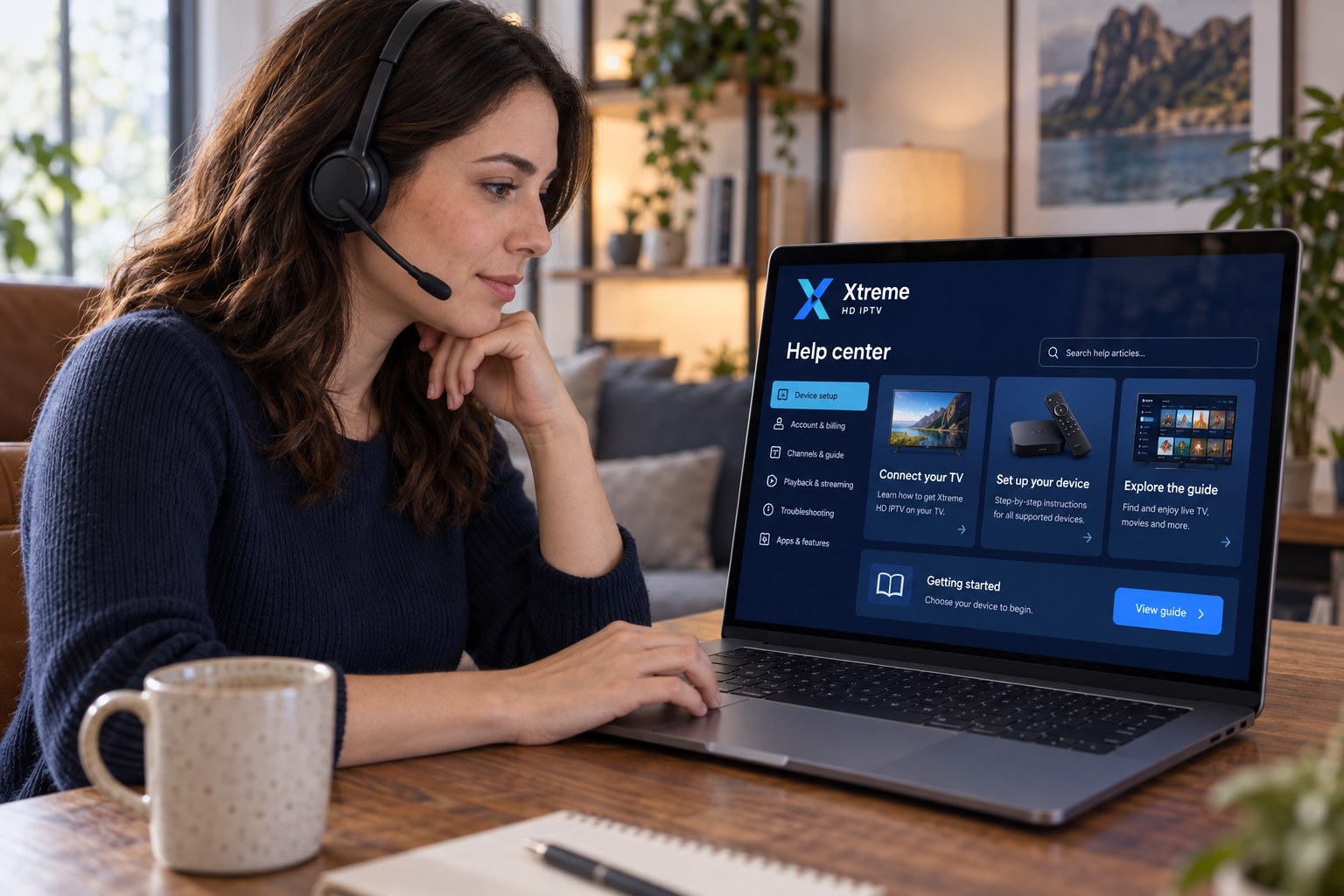
Message or call us before you buy, while you set up, or whenever something looks wrong. We help with:
Questions & answers
Xtreme HD IPTV is an internet-based television subscription. Instead of a satellite dish or cable box, programming is delivered over your existing internet connection to a compatible player app on your TV, streaming device, phone, tablet or computer.
You choose a subscription length, confirm your order with our team, and receive the details needed to sign in. You enter those details into a compatible IPTV player app on your device, and the categories included with your subscription appear in the app. The subscription runs for the period you chose and can be renewed before it ends.
Common options include Amazon Fire TV and Firestick, Samsung and LG Smart TVs, Android TV and Google TV devices, Apple TV, Android phones and tablets, iPhone and iPad, and Windows or Mac computers. Each needs a compatible IPTV player app. See the Compatible Devices page for details and setup links.
You can install a player app on more than one device and sign in with the same details, but the number of devices that can stream at the same time depends on the subscription. Tell us how many screens you expect to use at once and we will confirm what is possible before you order.
A stable broadband connection is the most important factor. As a general guide, HD streams typically need a reliable connection of around 10 Mbps or more, and 4K content needs considerably more. A wired Ethernet connection or a strong Wi-Fi signal close to the router gives the most consistent results.
Message us on WhatsApp or call +44 7868 240819. Both options are available from the Contact page and the floating WhatsApp button on every page.
First, restart the player app and your router. Move closer to the router or switch to a wired connection if you can, close other apps or downloads using bandwidth, and try a lower quality stream if the player offers one. If buffering continues, contact us with your device type and the time it happened so we can investigate.
Browse the available subscription options or contact our team for help choosing a plan and setting up your device.