
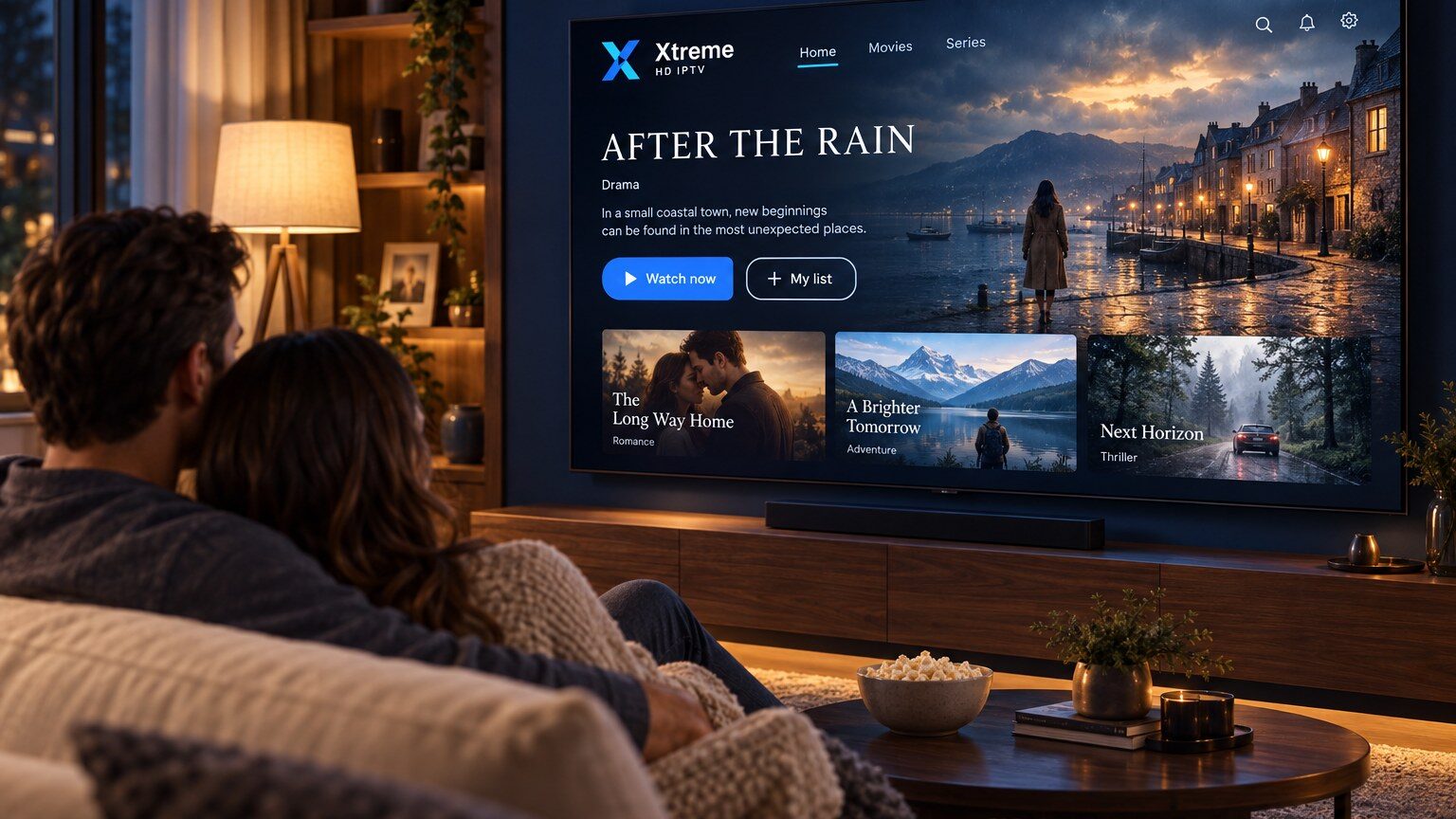
Your subscription provides the content; the player app decides how it looks and how easy it is to use. Because most subscriptions work with any player that supports standard sign-in methods, you are free to choose the one that suits your device and habits. This guide explains what to compare.
Check the sign-in methods first
IPTV players connect to a subscription in one of two common ways: an Xtream Codes login (server address, username and password) or an M3U playlist link. Almost every modern player supports both, but a few only accept one. Confirm the player supports the method your subscription uses before spending time on anything else.
Features that make a real difference
Programme guide
A grid-style EPG with programme descriptions makes live TV far easier to browse. Look for XMLTV support and an adjustable refresh interval.
On-demand organisation
If your subscription includes movies and series, a player that shows artwork, sorts by genre and remembers where you stopped watching is worth having.
Favourites and category management
Large playlists contain far more than any one household watches. Being able to hide categories and pin favourites keeps the interface manageable.
Playback controls
Support for hardware decoding, buffer settings, subtitle tracks and multiple audio tracks all affect the day-to-day experience.
Remote-control friendliness
On a TV, everything has to work with a standard remote. Players designed for phones first can be frustrating on the big screen.
Free versus paid players
Many good players are free, sometimes with advertising or with premium features unlocked by a one-off payment to the app developer. That payment is separate from your subscription and goes to the developer, not to us. Try the free version first; upgrade only if a specific feature matters to you.
Platform notes
- Fire TV: some players are in the Amazon Appstore; others need to be sideloaded. See the Firestick guide.
- Samsung and LG Smart TVs: the choice is limited to the TV’s own app store, and availability varies by region and model. See the Smart TV guide.
- Android TV and Google TV: the widest choice, all from Google Play. See the Android TV guide.
- Apple TV, iPhone and iPad: a good selection on the App Store, many of them paid. See the Apple TV guide.
- Windows and Mac: dedicated desktop players exist, and general media players can open M3U links.
A simple way to decide
Install one well-reviewed player on your main device, sign in, and use it for a week. If the guide, categories and remote control feel right, stop there. If not, try one alternative. Switching players never affects your subscription; your sign-in details stay the same.
Not sure which players are available for your device? Check the compatible devices page or ask our team on WhatsApp.